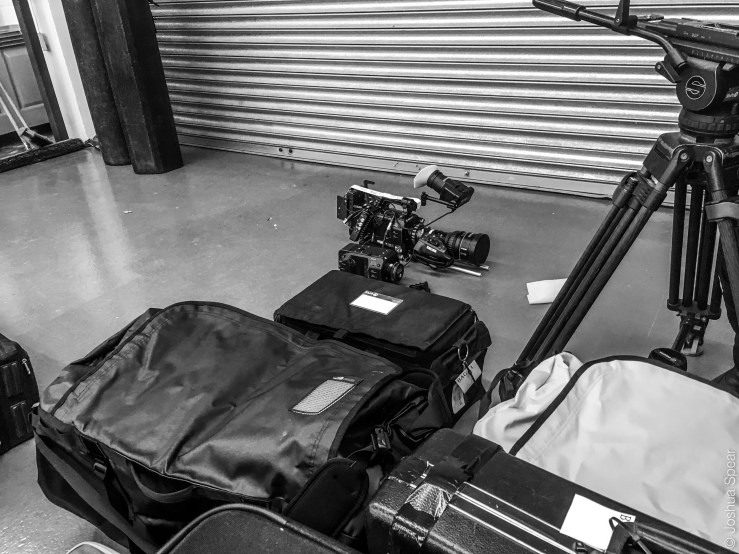
yesterday was one of those day’s spent prepping for up and coming shoots, arranging kit and trying to get as much kit as possible in to peli cases, just like a big puzzle. So for that reason, my photos from yesterday aren’t that exciting.
One thing Ive realised about this little project I’m doing is, what you have to do is always take photos, even on days when you know what your going to write about, those are the days where if you see a cool angle or nice lighting, take a snap on your iphone, because they have become so handy to me on days like today when im struggling to put anything amazing together, Im just quickly scrolling through my phone for bangers I might of taken last week. thats basically whats happened today, but I don’t want it to be a complete throw back to old photos from previous days. so “m going to throw in some photos I took yesterday as well.
Enjoy these snaps, I’ve uploaded four just because I want to keep you guys happy.
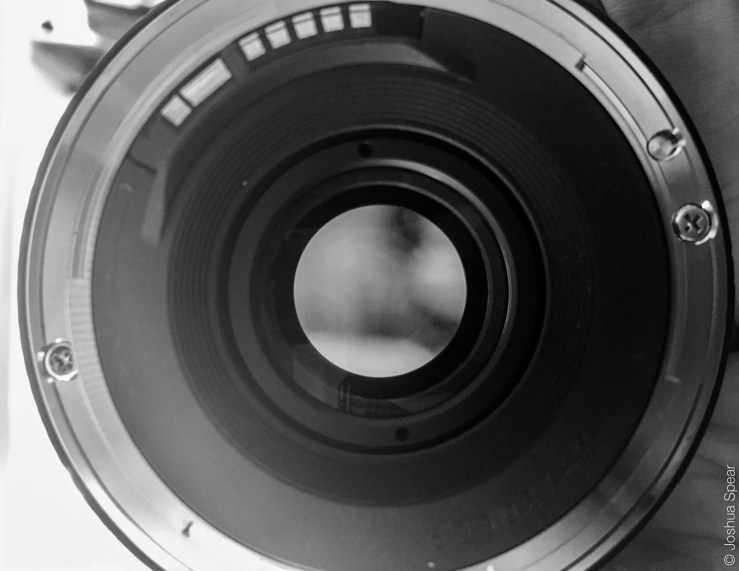
– ignore the tissue next to the lens I forgot to move it –– taken yesterday, on my route to work –– the view through a 85mm prime – as you can see it looks burry without a camera –– the only bit of blue sky I saw yesterday, but I got to play with camera’s so its nothing to complain about –
When I first started this how photo project thing, I was thinking Im going to carry my 5d around with me everywhere shoot raw photos on a 24-105mm lens and probably a 1×1 light panel just for good measure. turns out that so of the time that can actually do more harm than good, a lot of the time if I pull out my 5d it gets to much attention, and people freeze up, don’t want there picture take and think i’m some kind of pap.
thats when the Iphone comes in handly. If like me you have a point and shoot and you put the lens in water, so now it take about 2 hours to start up properly and your in a bit of a limbo at the moment, waiting for your next camera, then I dont think you can go wrong with the iphone its the perfect camera for a blog. If you are really up against it for time, you can take photos, edit them and post them all from a phone. Im trying not todo that at the moment because I want to learn more about Adobe software, but if I have no time then the iphone is a life saver.
Its not about how many Mega Pixels you have its about what you do with them!
check out my favourite iphone snaps from the past week.
– Bethnal Green, no idea what road but it kind of reminds me of the “old days” –– a train seat –– the light when I leave work at the moment is pretty helpful –
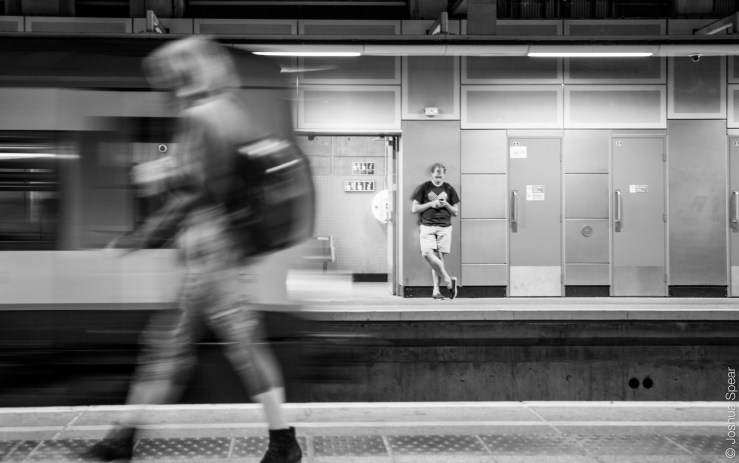
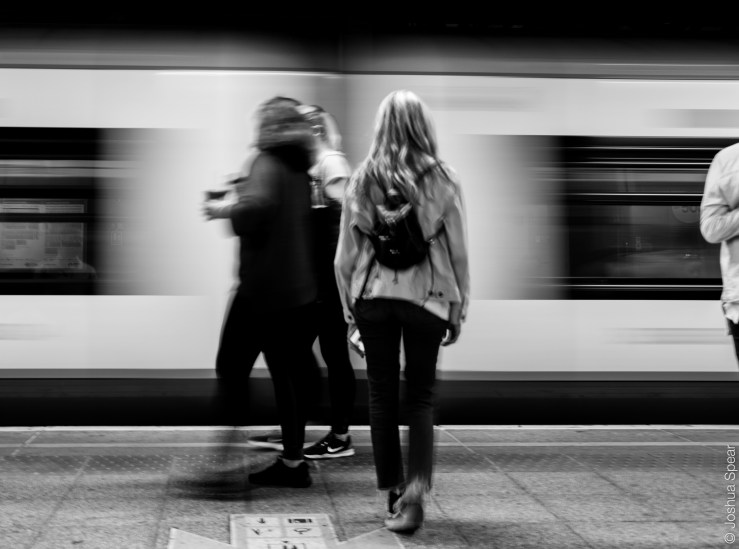
Tuesday was pub quiz night, a serious thing. I have to say they aren’t really my strong point. but it was a good laugh anyway, on the way to the quiz though we had a bit of a long wait at Shoreditch over ground, so I spend the time having some fun with sow shutter speeds, its basically where you let everything go blurry but things that don’t move stay sharp.
Its good because if you have all the settings right you can catch the right amount of light to really bring out the photo. I think that street photos look good in Black and White, it adds this extra feeling to the photo and its hard to have a snap in colour and still have the same effect. Thats down to the fact that street photos always have the feel to them imperfection being perfect to capture the moment, which transfers to B&W photos so much easier. Deep Stuff.
Something I think is important to slow shutter speeds, is still capturing the fact that things are still moving in the photo, if the shutter is too slow you’ll lose that and if its that little bit too fast it will just look like a blurry photo, I had my shutter around 1/6 with F5 and ISO 400 .
So for now I’m just going to have all my street photos in B&W, but I suppose I might give colour street photos a try soon. but for now, heres my photos.
– I like the movement that blurry photos give you –– it helps to give a sense of things running around –– I like this one, amy once again being used as a model, if I was going to do it again I would have amy stand still and completely in focus –
Last night I was in that situation were I need to take three photos but all im doing is going to Sainsburys to buy a wok and some rice noddles. Lucky amy was doing the double demin look, apparently thats were you wear a denim top and jeans. So I asked her really nicely if she would let me take some portrait snaps.
I watch that documentary on the photographer Platoon the other day, and it got me all rev’d up to put some energy into portrait photography. if you haven’t seen it head over to Netflix and watch the series called Abstract its unbelievable. its basically about this guy called Platoon, who takes portrait photos of some of the worlds most influential people, including the legend Barack Obama and the Russian dude Putin but its more about his style of photographs, give it a watch I promise you wont be disappointed.
Any way, yea I took some cool photos of Amy last night on the way to Sainsbury’s, but if theres anyone else out there who wouldnt mind me practising my photo skillz on them, let me know. I want to get better at it!
heres my snaps from yesterday.
– Amy “hurry up and take the picture –– I dont know how the snap turned out this way, but I like it –– her face after my sunglasses just went flying across the park –
Sundays are all about chilling out and not stressing, so thats what happened. we just went round to my sisters and chilled out in the garden with the monster aka my niece. becuase it was a pretty hot day, a decision was made to get the crazy daisy, its basically this fake plant that you attached a hose pipe too and it shoots water out round the garden, kids run around it nomrally and get wet. Not my Niece, she decides its more fun to point it at people and get them wet… made for some cool photos though.
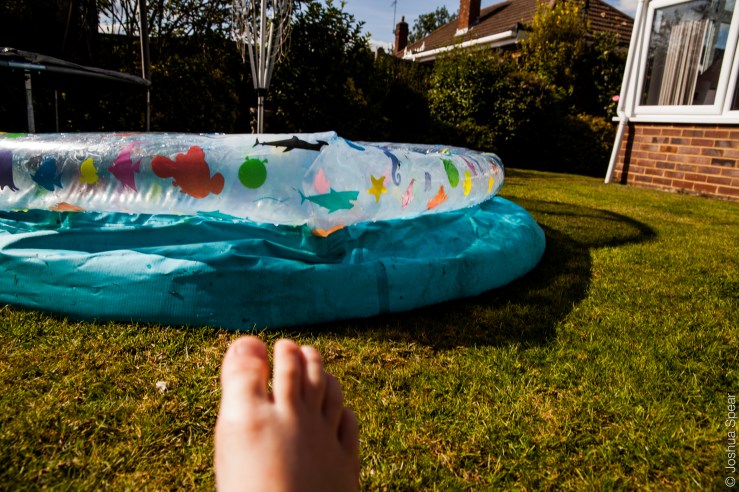
Apart from that it was mainly chilled, the niece then decided to have a go on my camera and take some photos of her foot. shes got skills.
Heres a few snaps from yesterday.
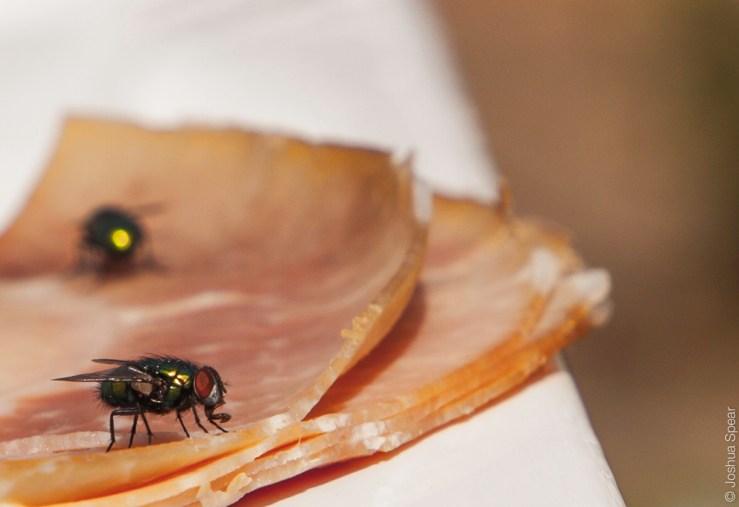
– she got us good –– the foot shot, waiting for the paddling pool to fill up –– we actually sat and watched flies eat our picnic –
The other day a company called SleekLens got in touch with me and asked if I would try out there PreSets for Light room and let them know what I think. Long story short it’s a quick way for you to edit photos on Lightroom, without having to adjust the exposure or contrast. This is something I’ve been thinking about for a while, is it a way for me to save time editing photos, will it help to improve my blog?
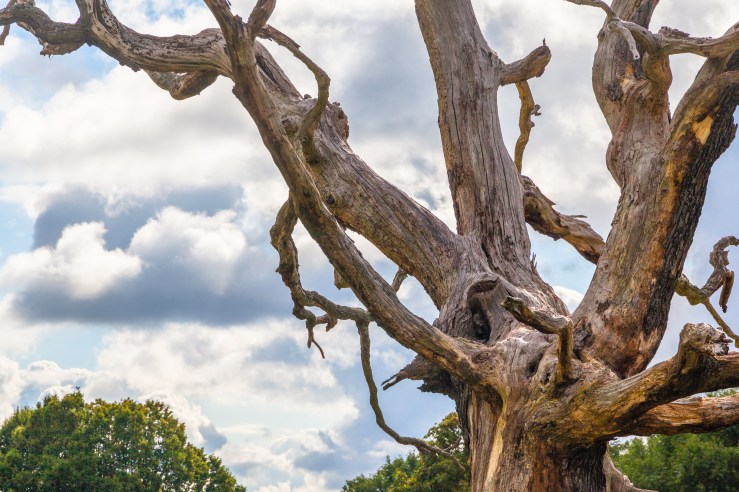
SleekLens asked me to try the Presets on Landscape photography, so the best thing for me to do was head over to Hampstead Heath early on Saturday morning and see what I could capture and see how good these Presets are.
Sleek Lens sent me the Through The Woods Presets, which are aimed at Landscape Photography. I wont go on any more, Ill let my photos do the talking.
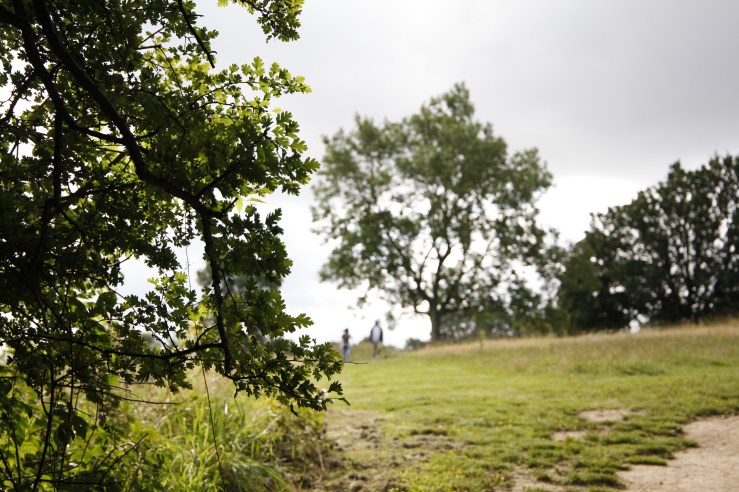
– before the Preset is Applied –– using the TtW|2-Exposure- Darken Shadows-1 – I’m pretty happy with the colours of this photo, but my favourite part of this photo is the shape of that tree, it looks like a proper tree. if you get what I mean and the colour helps to define that –– before a filter is applied –– using the TtW|1 – Base – High Dynamic Range – my main focus was shooting in photo with a high aperture, to help bring out the cloud in the back ground, then because im shooting RAW, i will be able to bring the the tree up i n Lightroom, and was basically me testing to see if the Presets could do that and I can tell you that they can –– Before a Preset is applied –– using the preset – TtW|1-Base – Monochrome Fantasy – I wanted to see how good the black and white presets were and what better thing to test this preset on than a white focal point, with dark shades in the background. Im happy with this, but I think black and white presets are a difficult thing, because B&W always looks good to me , but when I shoot stuff like this I want to bring out the grass in the middle of the photo a bit more, make it more defined, I think it looks a bit blurry and could be a bit more sharp, maybe I was using the wrong preset, if you know a better sleeklens preset, holla at your boy! –– Before a Preset is applied –– Preset used: TtW|0_All In ONe – Warm Shadows – this was a bit of a wild card photo, I wanted to snap something that had a busy foreground and also movement in the back of the shot. I wanted a Preset that used the clarity tool on the leaves to help define them a bit more, while at the same time not distorting the people in the back, I want it to be quite a shallow depth of field and not do anything to crazy, just highlight a few colour, I would say this has done this pretty well –
I’m pretty happy with the outcome of these photos and think these presets are going to be a really handy tool for when I’m doing these posts. Will I use it everyday? No. probably not, I enjoy editing photos and the process that I go through to get these posts online, but when its 1 in the morning, I’ve been working all day, and just want to get to sleep, these presets are going to be a life saver.
They could also be a valuable tool in learning how Lightroom works, choose a preset you like and then work backwards from there, how did the preset use the clarity or White balance to get your desired effect? To finish off and not to sound like some rambling on blog, look into these presets and figure out how or when you would use them, I think they are something every photographer should have in their inventory, but not a necessity.
Overall I would say Sleeklens is an 8/10 and definitely has a professional feel to them, Heres a link to their website go check it out and see if they are any good for you, if you have any more questions about this, let me know and ill be happy to answer any questions, or if you think i’m completely wrong let me know too.
Check out these links to SleekLens and also some of the stuff they get up to, its a great idea and is a game changer for when you need photos edited quickly and without losing that professional feel.












 joshfspear.com